Our vision is to create a diverse charity where everyone feels they belong and benefits from the work we do. We’re committed to funding research into cancer inequalities, diversifying our research community and developing an inclusive culture for all staff. This is how we’ll beat cancer for everyone.
Our specialist teams and departments are structured across six directorates. All of our teams play an important role in supporting our mission.
The Chief Operating Office brings together four exceptions departments under one function - HR, Finance, General Counsel and Technology.
The people in our Marketing, Fundraising and Engagement teams are essential to engaging with the UK public in deep and meaningful ways, ultimately growing our fundraising.
The Philanthropy team help the charity to engage with the biggest philanthropists and partners from across the world to build transformative new approaches to cancer research.
The Policy, Information and Communications directorate works to identify and reduce the barriers that are stopping new innovations in cancer prevention, diagnosis and care from being made available and used.
Our Research and Innovation directorate aims to be the world's leading cancer research and innovation organisation.
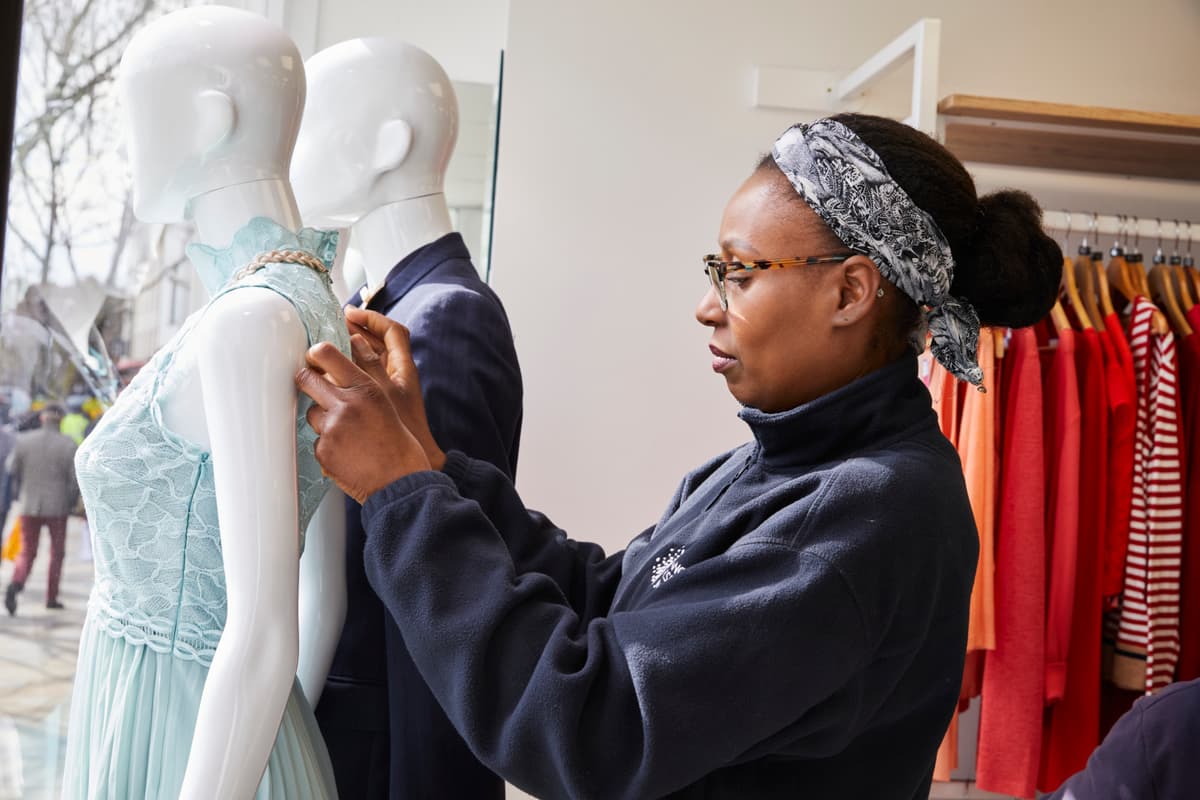
Our superstores and high street shops across the UK are a major source of our fundraising.
The Strategy team leads on the charity’s corporate strategy. They work with more than 120 partners and philanthropists in the UK and around the world.
Learn more about our different teamsWe want to create a working environment that supports everyone’s wellbeing and helps people bring their best selves to work. With compassion at our core and the right practical support in place, we can perform better as a charity and strengthen our ability to beat cancer.
We encourage a flexible working culture, including options such as home-working, reduced or flexi-hours, job shares, job-splits, compressed and core hours.
For the vast majority of our office-based roles we offer a high level of flexibility, meaning that you’ll only be required to work from a specific location for one or two days a week on average.
London
Cancer Research UK, 2 Redman Place, London, E20 1JQ
Make an impact by joining one of our retail teams across the UK.
Cancer Research UK Scotland Institute
Switchback Rd, Bearsden, Glasgow, G61 1BD
Babraham Research Campus
Babraham Hall, Babraham, Cambridge, CB22 3AT
The Francis Crick Institute
1 Midland Road, London, NW1 1AT
Our values represent who we are and will help us to bring our best to what we do and ensure Cancer Research UK is a great place to work.
Act with ambition, courage and determination
Act with rigour and professionalism
Act to have a positive impact on people
Act inclusively and collaboratively
There are lots of ways you can involved and support our pioneering work. If a paid job for us isn’t right for you just now, why not volunteer with us instead?

We exist to beat cancer. Our focus is making discoveries, driving progress and bringing hope to people affected by cancer.

Our specialist recruitment teams are here to support you if you have any questions or should you require any adjustment due to a disability or a long-term health condition.
